3D Workspace
Home
Assets
Affiliate Program
Creator Program
Sign up/Log in
View Plans
DCC Bridge
heenamunavalli21
10-04 08:15
Model Name
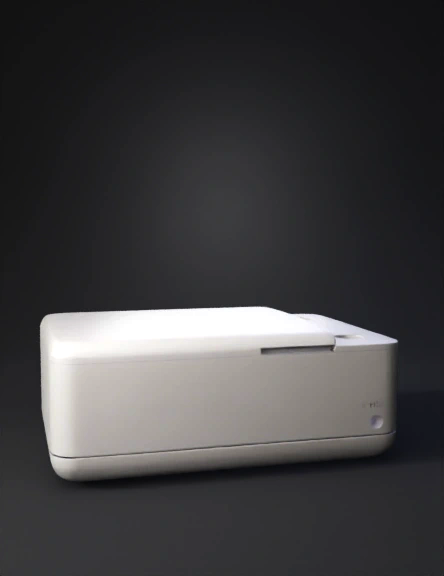
ethernet enclosure 3d model
Tags
3d printing
3d printing realistic
ethernet
props
props 3d printing
props 3d printing realistic
props realistic
realistic
Input
Prompt
now in this remove the golden pin and place it opposite side of it and the c pin place it at the corner edge and this casing should be flip open when i want to open it and the SMA pins should be 2 on the pposite walls of ethernet cable whole, place the SMA pins on the back side means the opposite of the ehernet and the cpin down the corner edge of the same side of the face where it is now and incease the length of the case and just create a 2 holes os SMA not the whole golden part, and remove it from the ethernet side face and keep the ethernet cable hole and the cpin hole also
Detailed Info
Related Models
Enter invite code
Enter invite code to get credits!
 heenamunavalli21


 heenamunavalli21