?

Augmented 3D Models

Find the best Augmented 3D Models, free download in STL, FBX, GLB, OBJ, 3MF, USDZ for 3D modeling and creation in Blender, 3D printing, game developing, animation, eCommerce, AR/VR and etc. Generated by Tripo AI 3D Generator.

Anonymous1764726819
补全主体缺失部分,生成完整身体
Anonymous1761036462
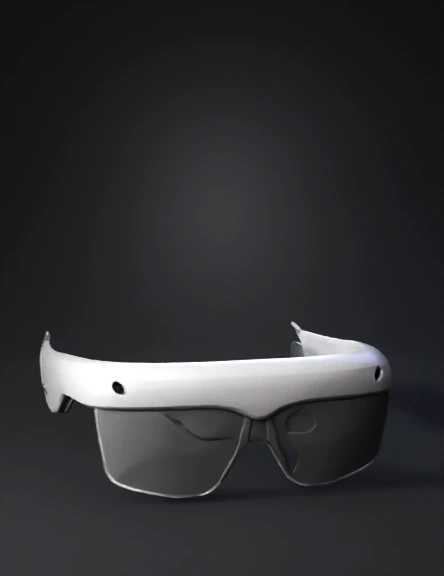
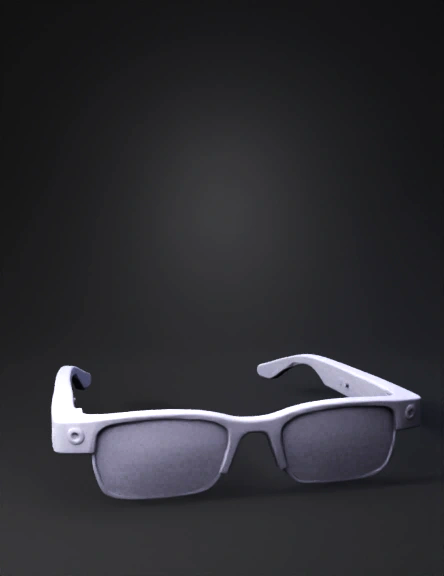
生成该ar眼镜的3d模型
Anonymous1763795357
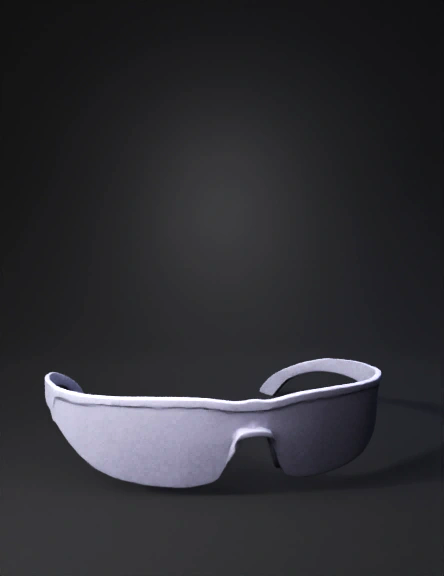
실제 사이즈 착용 가능한 안경
Anonymous1763627553
Anonymous1763532539
bantu buat Augment Reality dengan ide Atang Speak : Hallo Semuanya 
Selamat Datang Warga Masyarakat Kota Tangerang.
di Tahun 2025 Kota Tangerang Menyelenggarakan Festival Cisadane dan Tangerang Digital Festival (DIGI FEST) Vol 3
(Motion) Lalu Si atang Menunjukan Tangan kanan Opsi Denah Menujukan Denah Lalu Tangan Kiri Opsi Jadwal Kegiatan Festival
Anonymous1759587619
Anonymous1760932016
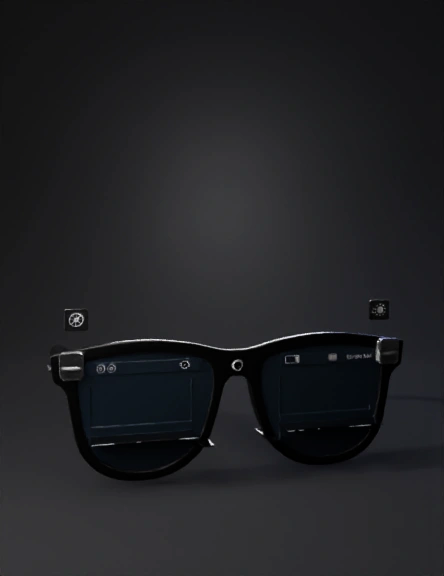
帮我把照片里面的眼镜做成3d模型
Anonymous1716512467
Anonymous1773749182
solo quiero que este producto sea prototipo en 3d
Anonymous1766962393
Scene 1 (0–5s): Overview
Show realistic AR smart glasses worn by a user in a bright laboratory classroom. The glasses are lightweight with visible transparent lenses. Subtle labels appear: “Pico Projector”, “Beam Splitter”, “Camera”, “Processing Unit”. Camera slowly pans left to right.

Scene 2 (5–15s): Optical Path (Physics View)
Transition to a semi-transparent side cross-section of the glasses.
Show a pico projector (approx. 25×25×10 mm) mounted on the right temple arm.
Animate a collimated RGB light beam leaving the projector and traveling forward.

The beam hits a transparent acrylic beam splitter (2 mm thick, 45° angle) positioned in front of the user’s eye at a distance of ~30 mm.

Show ray tracing:
– Incident light strikes the beam splitter at ~35°
– ~70% of light reflects toward the eye
– Remaining light transmits through

Label arrows: “Incident Ray”, “Reflected Ray”, “Transmitted Ray”.

Scene 3 (15–22s): Virtual Image Formation
Switch to first-person view through the lens.
Show the reflected image
Anonymous1765837682
Anonymous1764413391
Anonymous1761531980
Anonymous1760597905
Anonymous1733716135
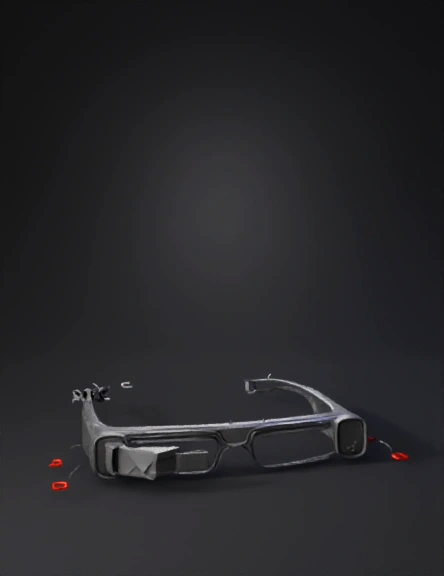
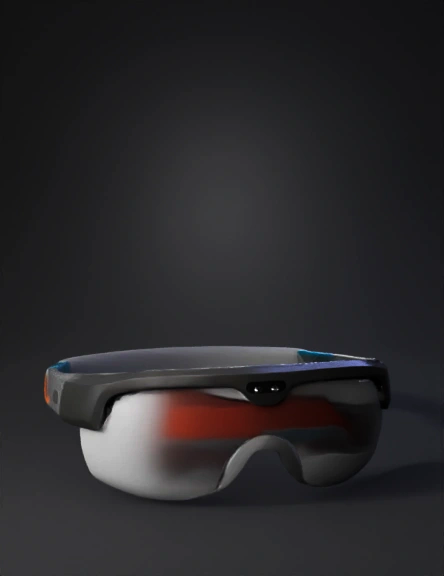
Мини-компьютер Raspberry Pi Zero 2W находится на правой вдужке снаружи. Рядом с ним Power Boost 500 и в конце правой в дужке аккумулятор Li-Po. И Linear Array микрофон будет над линзами. Voice Accessory HUD будет подключен к микрофону. OLED-экран будет слева от левого зрачка. плюс сделай все в точь в точь как на фото и не генерируй то что красное
Anonymous1757595417
消除电线,翻片的舵机改为在镜框上方
Anonymous1756177846
Anonymous1749571089
Enter invite code to get credits!