?

Central bore 3D Models

Find the best Central bore 3D Models, free download in STL, FBX, GLB, OBJ, 3MF, USDZ for 3D modeling and creation in Blender, 3D printing, game developing, animation, eCommerce, AR/VR and etc. Generated by Tripo AI 3D Generator.

Anonymous1760926210
Anonymous1760004273
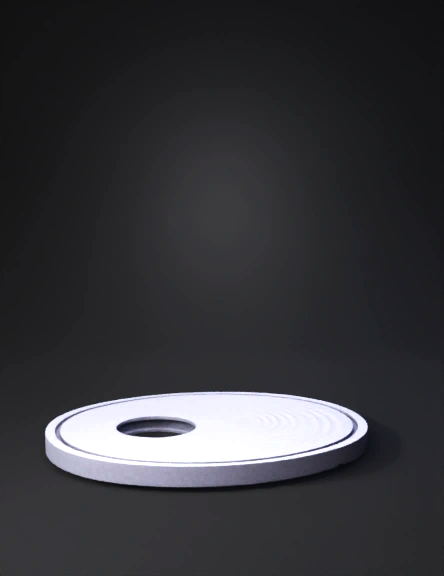
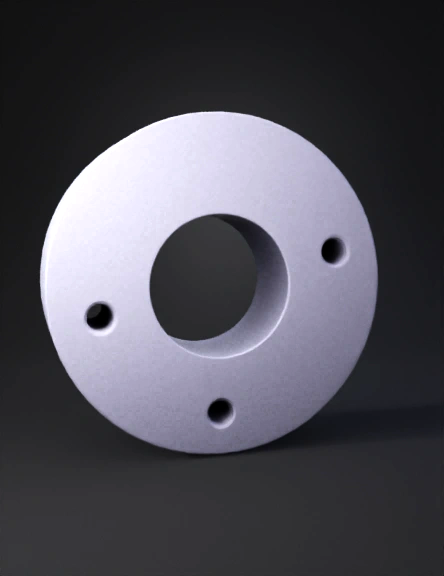
Generate a 3D model of a flange: circular disk with 4 evenly spaced through-holes around the center, plain flat surface, no textures or materials, no lighting or reflections, clean geometry, neutral background. Focus only on the shape and proportion of the flange, suitable for further editing in Blender. Output multiple angles optional.
Anonymous1759955999
Anonymous1750757845
Anonymous1759746133
Hazme un modelo 3d de este rin añádele la parte de atrás que quede como rin de la vida real sin textura y con pocos pilogonos
Anonymous1759447372
"---

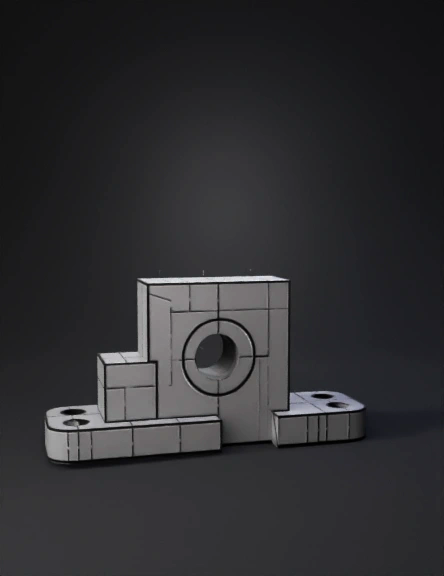
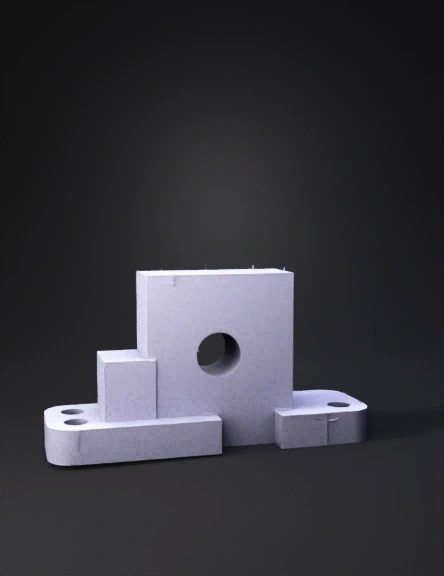
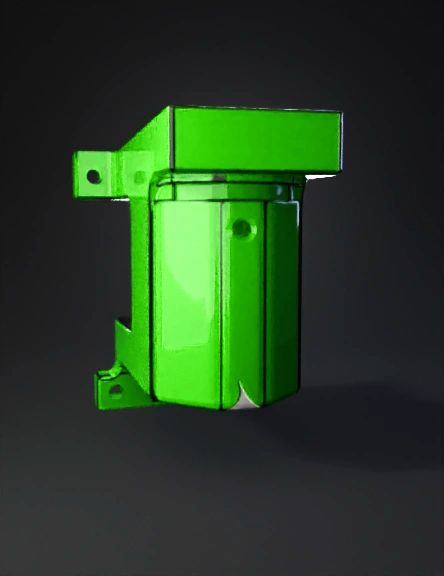
The CAD model is a metal bracket with a hole in the center. It has a rectangular shape with a hole on top, and tapered ends on either side.

---"
Anonymous1759024154
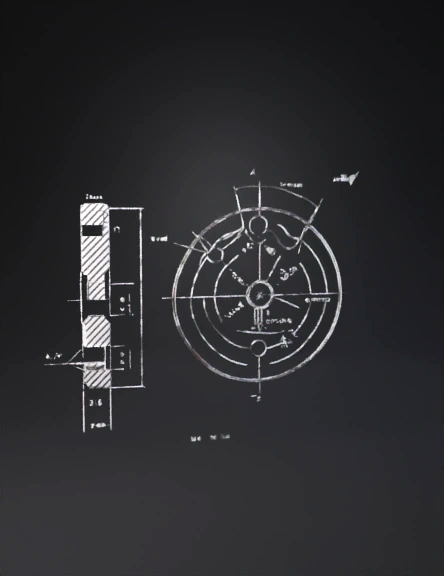
// Tars Al-Halazuni Al-Muzdawaj (Herringbone Gear)
// Based on the provided engineering drawing.
// NOTE: Standard gear parameters (Module, Pressure Angle) are estimated
// as they are not explicitly defined in the drawing in a standard format.

// =========================================================
// 1. Defining Standard Gear Parameters (Estimated for Functionality)
// =========================================================

// Module (m): Determines the size of the teeth. (2mm is common for 3D printing)
m = 2; 

// Number of Teeth (N): Estimated visually from the top view.
N = 20;

// Pressure Angle (p): Standard angle for involute gears.
p = 20;

// Helical Angle (alpha_h): The angle of the 'V' slope (estimated visually at 30 degrees)
alpha_h = 30;

// =========================================================
// 2. Dimensions from the Drawing 
// =========================================================

// Bore Diameter (D_bore): 0.9 (units, assuming mm)
D_bore = 0.9;

// Keyway Depth (d_keyway): 0.19 (from the center line to the flat)
d_keyway = 0.19;

// Face Width (L_total): The overall axial length of the teeth (using 2.4 as the face width of each segment and adding a small gap)
L_segment = 2.4;
L_gap = 0.2;
L_total = (L_segment * 2) + L_gap;

// =========================================================
// 3. Calculated Parameters 
// =========================================================

// Pitch Diameter (Dp = m * N)
Dp = m * N;

// Outside Diameter (Do = Dp + 2*m)
Do = Dp + 2*m;

// Twist Angle (Calculated based on helical angle and face width)
// This is the total twist applied over the segment length.
twist_angle = (L_segment / Dp) * 360 * tan(alpha_h); 

// =========================================================
// 4. Main Module to Create the Gear 
// =========================================================

module herringbone_gear() {
    // 1. Create the first helical half (Half A)
    //    Twist applied is positive
    translate([0, 0, L_total / 2 - L_segment / 2])
    linear_extrude(
        height = L_segment, 
        twist = twist_angle, 
        slices = 100
    ) {
        // Placeholder for Gear Profile - must be replaced with a proper involute profile.
        // For a correct gear, ensure you are using a proper involute_gear() module.
        // Example: involute_gear(m=m, N=N, p=p); 
        
        // --- Using a simple polygon approximation for the spur gear profile to show the twist effect ---
        $fn = N * 5; // Higher detail
        circle(d=Do); 
        // ------------------------------------------------------------------------------------------------
    }
    
    // 2. Create the second helical half (Half B)
    //    Twist applied is negative (or mirrored)
    translate([0, 0, L_total / 2 + L_segment / 2])
    mirror([0, 0, 1]) {
        translate([0, 0, L_total / 2 - L_segment / 2]) // Re-aligning the translation for the mirror
        linear_extrude(
            height = L_segment, 
            twist = twist_angle, // Same angle, but mirrored on the Z-axis
            slices = 100
        ) {
            // Placeholder for Gear Profile - must be the same as above
            $fn = N * 5; 
            circle(d=Do); 
        }
    }
    
    // 3. Central Bore Cutout 
    difference() {
        // The combined helical gear shape
        translate([0, 0, -L_total/2]) // Center the gear model around Z=0
        children(); // This holds the two halves created above
        
        // Cylinder for the Bore
        cylinder(d=D_bore, h=L_total * 2, center=true);
        
        // Keyway Cutout 
        // Flat width at depth d_keyway
        keyway_width = 2 * sqrt((D_bore/2)^2 - (D_bore/2 - d_keyway)^2);

        // Making the keyway cut deeper than the gear length
        translate([0, -(keyway_width / 2), 0])
        cube([D_bore * 2, keyway_width, L_total * 2], center = true); 
    }
}

// =========================================================
// 5. Final Rendering
Anonymous1758624720
Anonymous1758770844
Anonymous1775908884
swing
Anonymous1760486553
Anonymous1770627457
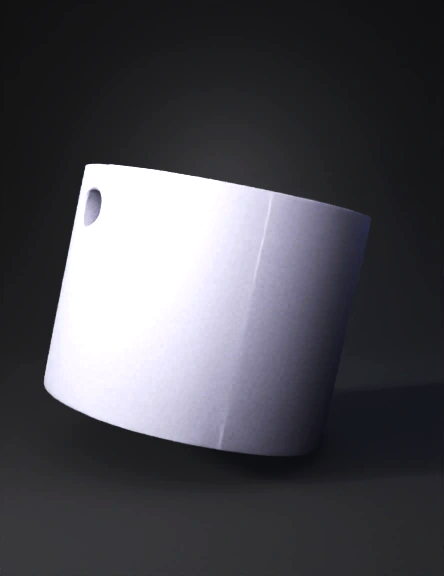
faça este bujão em 3d, lembrando que o furo vai somente até a metade do bujão, não atravessa
Anonymous1762462173
Anonymous1752497300
Anonymous1752497300
Anonymous1752466498
Mariana Montoya Toro
Enter invite code to get credits!