3D Workspace
Home
Assets
Affiliate Program
Creator Program
Sign up/Log in
?
Upgrade
DCC Bridge
Anonymous1781383508
06-13 20:51
Model Name
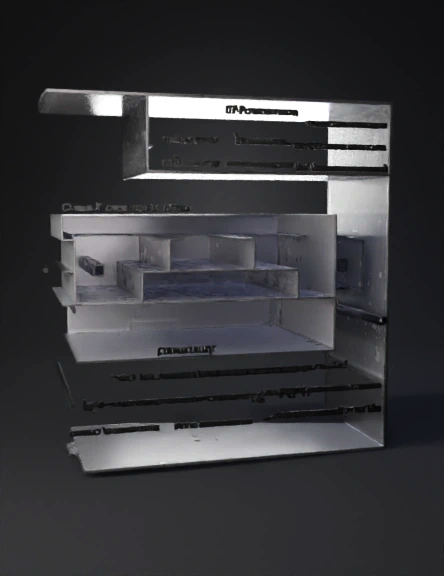
sleeve component 3d model
Tags
3d printing
3d printing realistic
cad
machine
machine 3d printing
machine 3d printing realistic
machine realistic
modeling
realistic
technical drawing
Prompt
CAD Modeling Script: Sleeve ComponentDrawing Reference: Google LLC | D-001799540 (Sheet 2 of 3)Units: Millimeters (mm)Phase 1: Setup and Material OrientationSet Document Units: Ensure your workspace workspace is set to Millimeters (mm).Define Planes: * Front Plane: Will represent the face view (the primary view showing Section B-B and C-C cut lines).Right Plane: Will represent the longitudinal cross-section (Section C-C).Top Plane: Will represent the transverse cross-section (Section B-B).Phase 2: Base Body Creation (Outer Profile)We will establish the main track-like shape of the sleeve.Sketch 1 (Front Plane): * Draw a centered slotted shape (or stadium shape) representing the overall outer profile.Note: The overall outer dimensions are governed by the mating pocket for the Pebble, but the critical internal clearances are defined by the cross-sections.Extrude Base: Extrude the profile as a solid body using a Symmetric condition.Phase 3: Longitudinal Profile
Detailed Info
Related Models
Enter invite code
Enter invite code to get credits!
 Anonymous1781383508


 Anonymous1781383508