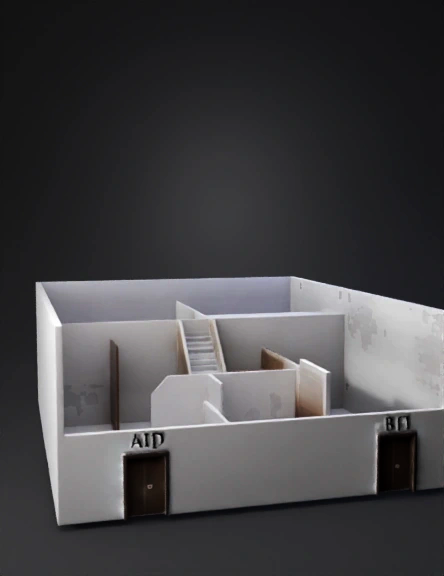
architectural 3d model
Create a building model with interior architecture visible using a cutaway view. Building constraints: - The building has exactly 2 levels only. - No additional floors are allowed. Level 1 (Lower level): - This level represents Floor 12. - Floor 12 has exactly two entrances: - Left entrance labeled "Door A" - Right entrance labeled "Door B" - Show interior layout of Floor 12, including: - Entrance area - Hallway or lobby space - Interior walls and room divisions - Staircase or access path leading to the rooftop Level 2 (Upper level): - This level is the Rooftop. - Show rooftop access area from the staircase. - Rooftop has exactly one entrance. - Rooftop should appear as an open or utility rooftop, not a residential floor. Visualization requirements: - Use a cutaway or cross-section view to clearly reveal the interior. - Interior walls, doors, and circulation paths must be visible. - The model is intended for architectural and access control simulation.
2K·PBR·v3.0-20250812


