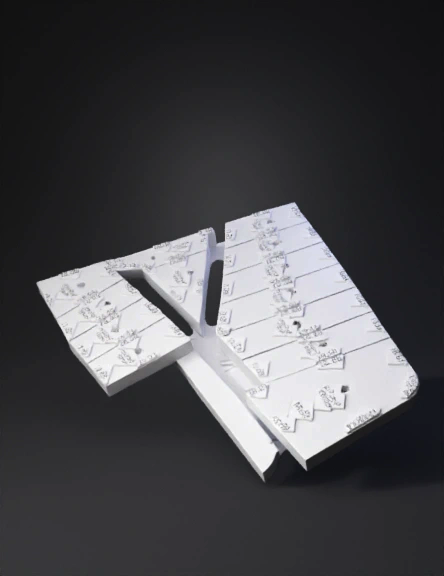
aerial site plan 3d model

Use the provided aerial image as the mandatory base reference. Create a clean 3D plane model of the terrain while keeping the aerial image perfectly aligned as the ground texture. The subdivision lines, lot numbers, lot shapes and road layout must remain exactly identical to the original image. Do not redesign, reinterpret or modify the subdivision geometry. The terrain should become a flat 3D ground surface (planar terrain) with the aerial image applied as a high-resolution texture. Requirements: • Preserve the exact lot boundaries and numbering • Preserve the exact road positions and shapes • Do not create new lots • Do not delete existing lots • Do not move any subdivision lines • Do not change lot angles or sizes The model must be optimized for interactive web visualization, allowing camera rotation, zoom and orbit navigation. Technical requirements: • Export as GLB / GLTF format • Clean topology • Single ground mesh with high-resolution texture • Correct UV mapping so the aerial image fits perfec
4K·PBR·v3.1-20260211


