?

Conference room 3D Models

Find the best Conference room 3D Models, free download in STL, FBX, GLB, OBJ, 3MF, USDZ for 3D modeling and creation in Blender, 3D printing, game developing, animation, eCommerce, AR/VR and etc. Generated by Tripo AI 3D Generator.

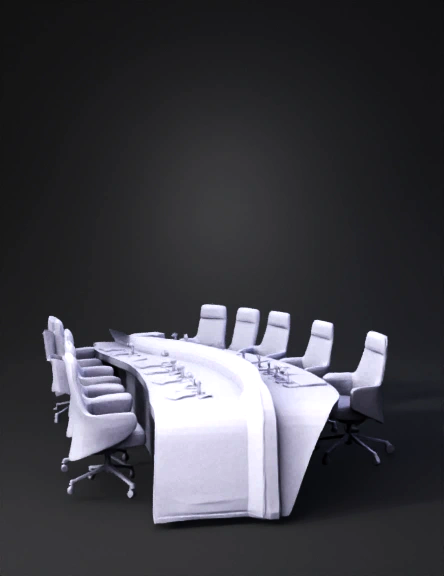
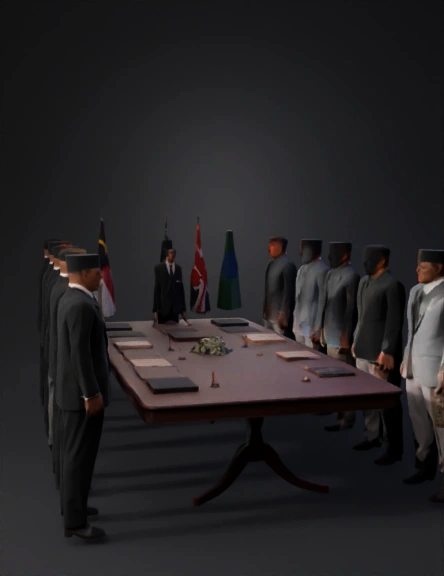
A full-body 3D historical diplomatic signing ceremony set in 1963 at Malborough House, London. A long wooden table is placed in the center of a grand British-style hall with chandeliers, tall white walls and red carpet. Delegates from the Federation of Malaya, Singapore, Sabah, Sarawak, and the British government stand and sit around the table, all shown full body from head to toe. They wear 1960s formal attire: suits, baju Melayu with songkok, and traditional representatives’ outfits. On the table is the Malaysia Agreement 1963 document, old pens, and official seals. Behind them are five flags: Malaya, Singapore, Sabah, Sarawak, and the United Kingdom. The visual style is realistic 3D, diplomatic and historical.”
Anonymous1764858566
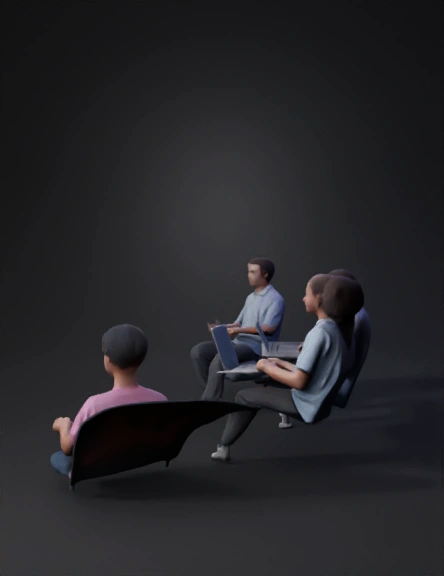
create a classroom, this classroom should have student sitting in stepped format. total classwroom divided into two halves for student sitting. it should be slightly D in shape. Teacher should have a high raised platform to stand, with space enough to move around on that platform and a Podium on that platform.
Anonymous1764699175
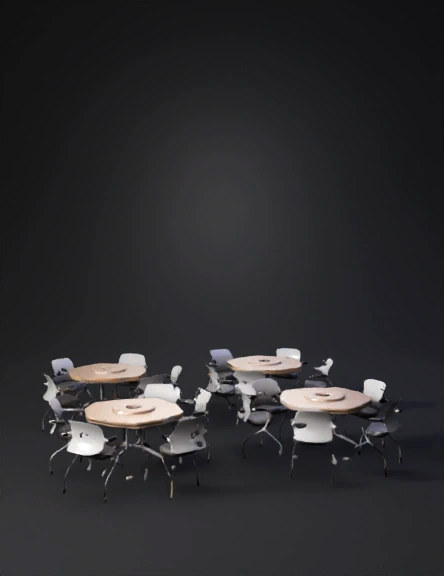
CREATE IN THE ROOM SPACE INTO DISSCUSSOM SPACE
Anonymous1763647350
Інклюзивний клас майбутнього
Anonymous1762874089
interier room
Anonymous1762681219
房间三维布局设计与描述
房间基础: 一个正方形房间。

1. 整体布局描述(俯视视角)
想象您从空中俯视这个正方形房间:

中心焦点: 房间正中央放置一个圆形会议桌,作为空间的核心协作区域。

两侧办公区: 房间的左侧和右侧墙壁旁,分别布置了一排面向墙壁的办公工位,每个工位上都配有一台电脑。这为员工提供了专注工作的空间。

入口与视觉遮挡: 房间的右下角是大门。一进入房间,正前方(即房间正下方的墙壁前)是一排高大的铁皮文件柜,它们充当了屏风,有效地遮挡了直接看向会议桌的视线,保证了会议区的半私密性。

茶水间: 房间的左下角区域被设置为茶水区,这里可以放置橱柜、冰箱、微波炉和咖啡机等。

主要展示面: 房间正上方的墙壁上,悬挂着一块大型的电子智慧屏幕,用于会议演示、数据展示或视频通话。

2. 为Tripo制作提供的详细建模指南
您可以将以下描述作为在Tripo中创建模型和布局的“说明书”。

第一步:建立房间基础
创建一个正方形的地板。

拉起四面墙壁,形成一个封闭的正方形空间。

第二步:定位与关键组件放置
我们将使用“上、下、左、右”的方向来定位(以您进入房间面向正上方墙壁为基准)。

A. 电子智慧屏幕(正上方)

位置: 选择正前方的墙壁(即“正上方”的墙)。

模型: 在Tripo库中搜索“TV Screen”、“Display Screen”或“Smart Board”,选择一个扁平、大型的屏幕模型。

放置: 将其居中悬挂在这面墙壁上,高度适中,确保会议室和工位区都能看到。

B. 两侧办公工位(房间两侧)

位置: 左侧墙和右侧墙。

模型: 搜索“Office Desk” 或 “Cubicle”。选择带有隔板的办公桌模型会更佳。

布局:

沿左侧墙放置2-3个工位,桌腿紧贴墙壁,员工面向左侧墙工作。

沿右侧墙同样放置2-3个工位,员工面向右侧墙工作。

细节: 在每个工位的桌面上放置一个“Computer Monitor”模型,增加真实感。

C. 圆形会议桌(正中间)

位置: 房间的几何中心。

模型: 搜索“Round Meeting Table” 或 “Circular Table”。

放置: 将其精确放置在房间中心点。周围可以放上“Office Chair”模型。

D. 铁皮柜屏风(正下方)

位置: 正对大门的那面墙(即“正下方”的墙)的前方。

模型: 搜索“Filing
Anonymous1761211855
Anonymous1760115144
一个房间,有三面墙,面向自己的的一方没有墙,房间左右两边各有两个单人沙发,房间左右墙壁上,左边墙面上有几个可放置小玩具装饰的小平台,右边墙面上有两大块透明玻璃,房间顶部是一个蓝色星空装饰
Anonymous1761034350
根据这张平面的cad图生成一个与西溪湿地湿地相关主题带有自然元素的小型会议室模型
Anonymous1760466060
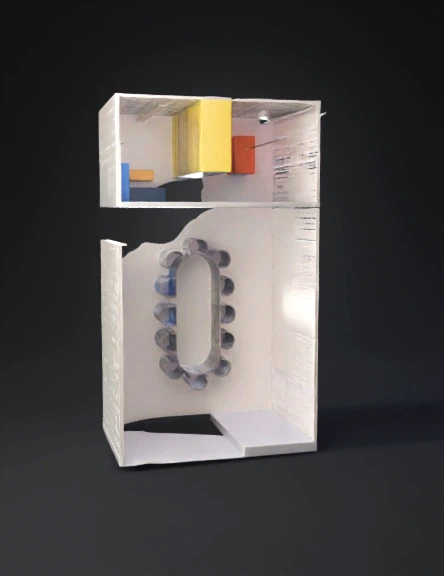
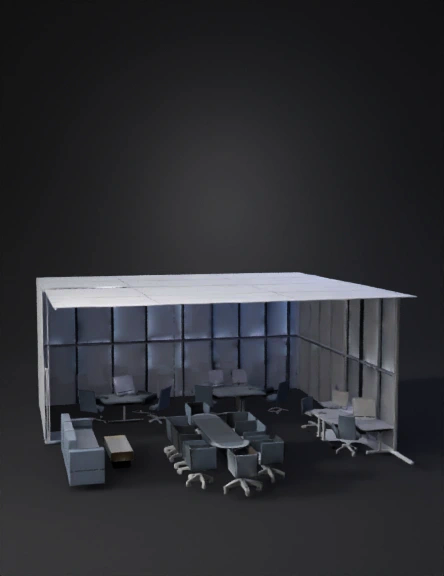
Office conference hall with dimensions
Anonymous1759470247
Anonymous1741609328
Anonymous1759590735
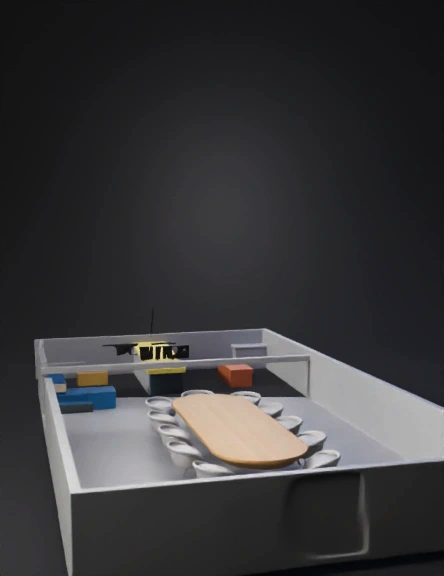
Create a conference room. Use only squares for polygons. It should be low-poly. The size of this room will be aimed at 50 seats (meaning it's just a large room).
Anonymous1759324346
Создай конференц зал. В качестве полигонов используй только квадраты. Она должна быть низкополигональной. Размер этого зала будет нацелен на 50 посадочных мест
Anonymous1759324346
Anonymous1736505270
以长约 7 米、宽约 8.5 米的矩形呈现,约 60 平方米
形状	基础方形空间
尺寸	长约 7 米,宽约 8.5 米,模拟基础方形空间。三扇落地窗户紧挨着一根方形柱子在左边靠墙,还有一扇落地窗在左下侧,右边有两个门进口和出口。
Anonymous1741757910
Anonymous1775785195
Anonymous1774216281
Enter invite code to get credits!