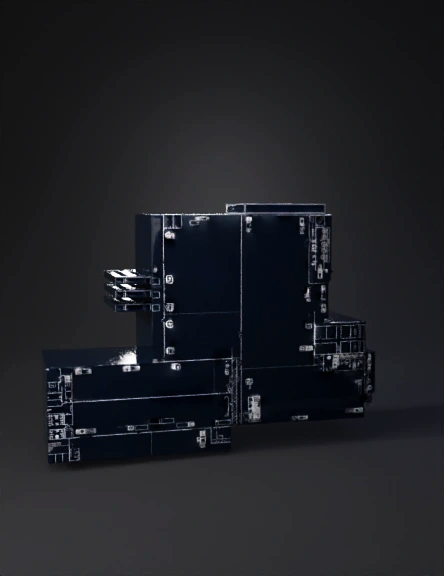
factory interior 3d model

Convert the provided 2D AutoCAD factory plan into a 3D DIGITAL TWIN interior model with EXACT dimensional fidelity. The 2D image is a scaled technical drawing. Every line represents a wall, partition, or object footprint. Preserve ALL XY positions, distances, and proportions exactly. Do NOT merge geometry into a solid block. UNITS: - Use abstract units where 10 units = 1 meter - Preserve original XY scale 1:1 WALLS: - Extrude ONLY the 2D wall linework vertically - Wall height = EXACTLY 100 units - Preserve wall thickness and openings exactly as drawn - Walls must be independent vertical elements, not a closed solid NO ROOF / NO SOLID: - DO NOT generate roof, ceiling, slabs, or top faces - Building must be open at the top - Do NOT fill the interior volume COORDINATES: - Preserve original origin - Do NOT recenter, normalize, or align OUTPUT: - Interior-only building (walls visible from inside) - No people, environment, textures, or interpretation - Output format: GLB
2K·PBR·v3.0-20250812


