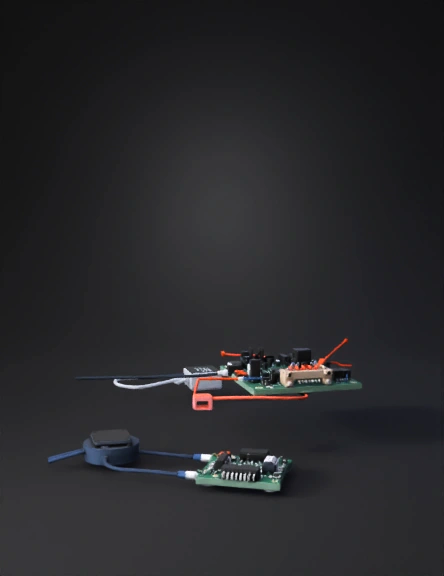
microcontroller board 3d model
Step 1: Define Your Nets (Power Rails): Create distinct power lines for 5V and 3.3V. Since the ESP32 and LoRa SX1278 operate at 3.3V, ensure they are connected to a regulated 3.3V source to prevent damage. Step 2: Establish the SPI Bus for LoRa: Connect the LoRa SX1278 to the ESP32 using the SPI protocol pins: SCK (GPIO18), MISO (GPIO19), MOSI (GPIO23), and NSS/CS (GPIO5). Step 3: Connect Sensors and GPS: Ultrasonic Sensor: Connect the Trigger and Echo pins to the ESP32. Use a voltage divider on the Echo pin to step down the 5V signal to 3.3V for the ESP32’s safety. GPS Module: Connect the TX/RX pins to the ESP32’s hardware serial pins (GPIO16/17). Step 4: Add Protection and Decoupling: Place 0.1µF and 10µF decoupling capacitors near the power pins of the ESP32 and LoRa module to filter out electrical noise and stabilize signals.
4K·v3.1-20260211


